Cabin control from every seat: a cross-platform PED app.
A cabin control app doesn't get to behave like a consumer app.
Passengers expect to control the cabin the way they control everything else: from the device already in their hand. The Personal Electronic Device (PED) application turns any passenger's phone or tablet into a control surface for the aircraft cabin, lighting, media, climate, and other cabin functions, from any seat.
There is no cloud to lean on at 40,000 feet. The app communicates directly with the cabin management system over the aircraft's onboard network, and it has to work every time, immediately. When one passenger dims the lights, every connected device has to reflect the new cabin state instantly and consistently. A climate adjustment that silently fails, or a media command that fires twice, is not an acceptable failure mode in this environment.
What a passenger sees.
One screen for the things people actually reach for: shades, air, light and temperature, with the cabin audio along the bottom. Every control shows the state the cabin has confirmed, not the state the finger asked for.
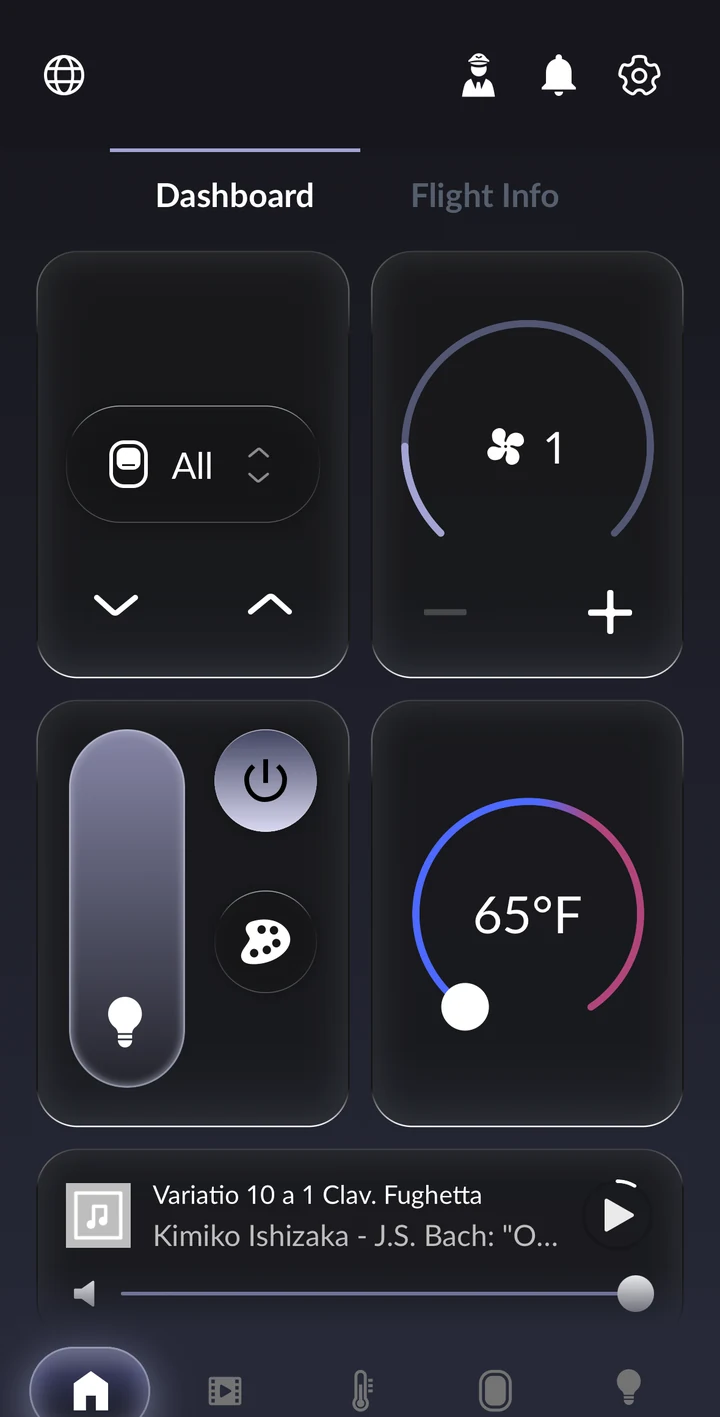
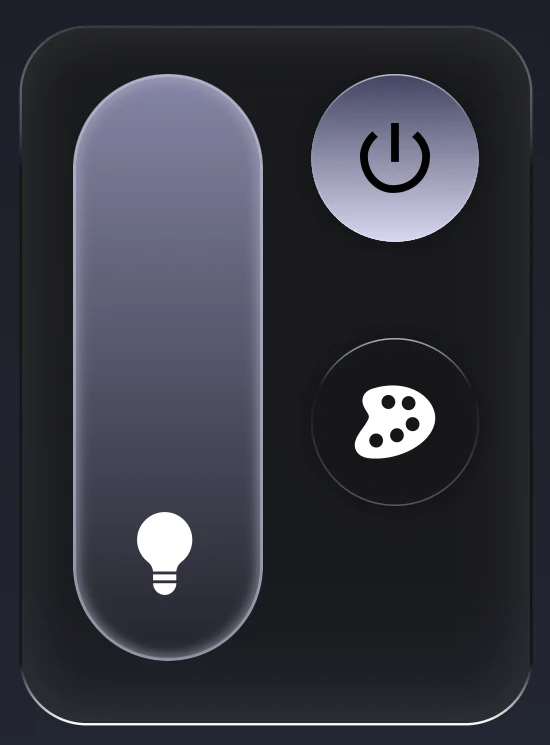 Zone lightingDimmer, power and colour per zone. The slider settles where the lights actually are, because the cabin acknowledges the level before the UI commits to it.
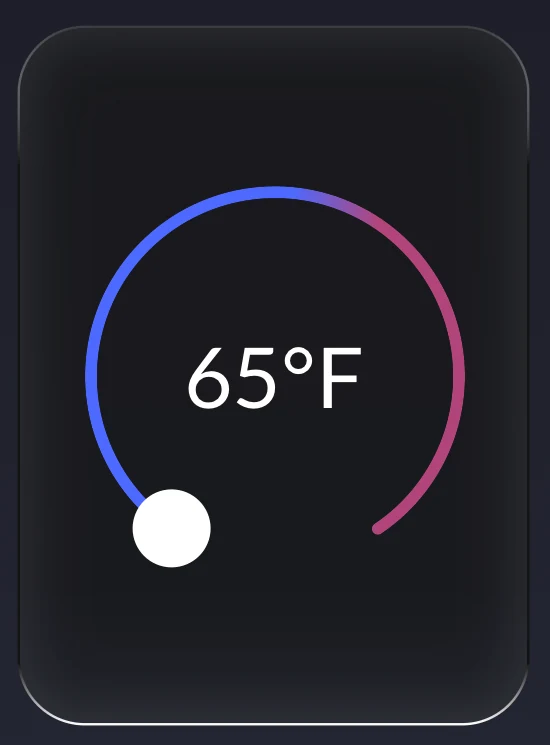 ClimateOne dial for the set point, with explicit acknowledgement from the cabin management system. A change that silently fails is not a state the app can be in.
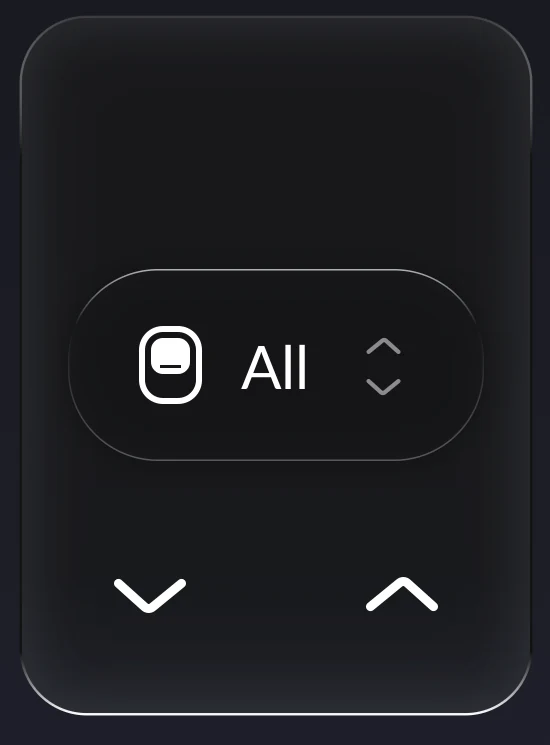 Window shadesOne window or all of them. Commands are acknowledged or explicitly fail; nothing is left half-done when a device drops off the network mid-press.
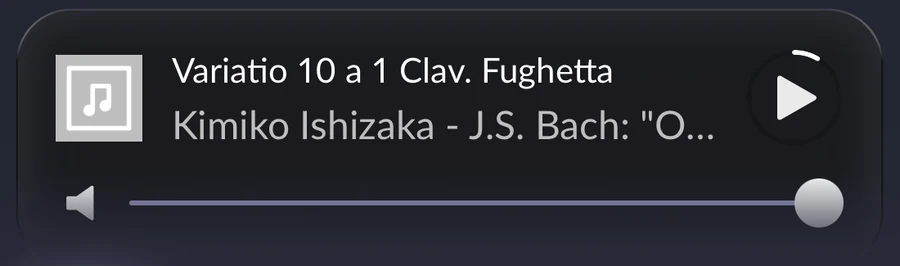 Now playingTransport and volume for the cabin audio system, kept consistent on every connected device at once.
Screens from the shipping application
A consumer-grade experience held to an aviation-grade standard.
One codebase, native quality
Direct cabin integration
Real-time state synchronization
Deterministic command handling
Built for cabin realities
The cabin, controlled from the device already in your hand.
A passenger-facing app that holds up to the standards of the airframe it flies on: predictable, immediate, and resilient, across every seat and every device in the cabin.
On the ground, an unresponsive app is an annoyance. In a cabin, it's a support call to the flight deck. We built for the second standard.